Manage the Models and the Results of an Analytics Pipeline, in Data Assets
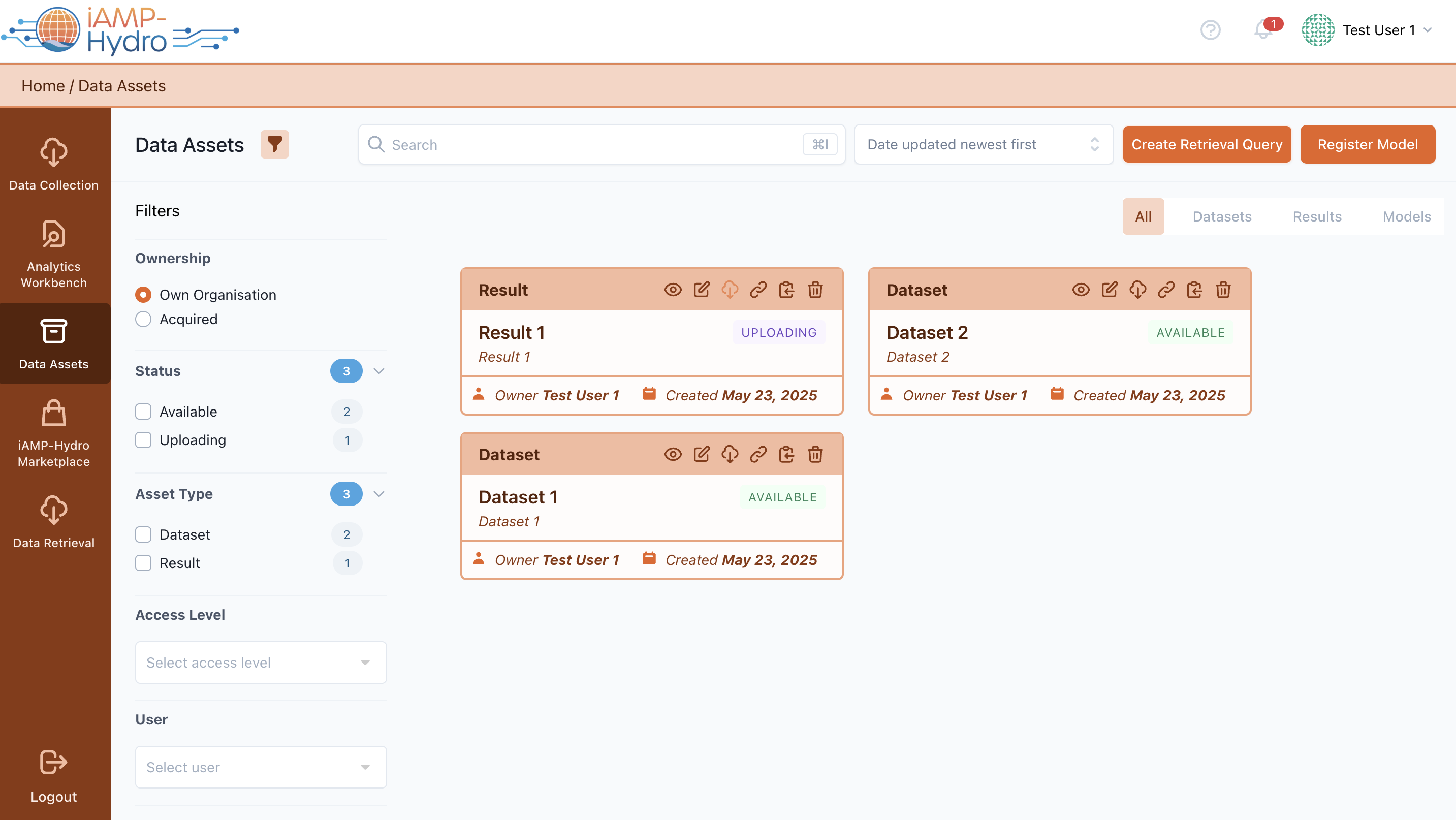
By accessing the “Data Assets” menu option, you may view the Results and the Models (in respective tabs) to which you have access or which you own.
Similar to the dataset view, for each result listed, you can view details such as its status, a range of actions available for editing, removing the result or set this result up for retrieval by creating a retrieval query. Additionally, you have the option to search for specific results or organize the results list using various sorting criteria (result title, its execution status, the date it was created, or when it was last updated).
Hint
Users have the capability to look up for results, whether owned by them or acquired by their organization, by utilizing various filters accessible through the filter panel icon
For each result, you can access and adjust the metadata, including general particulars, distribution specifics, and provenance information considering the analytics pipeline generating the relevant result
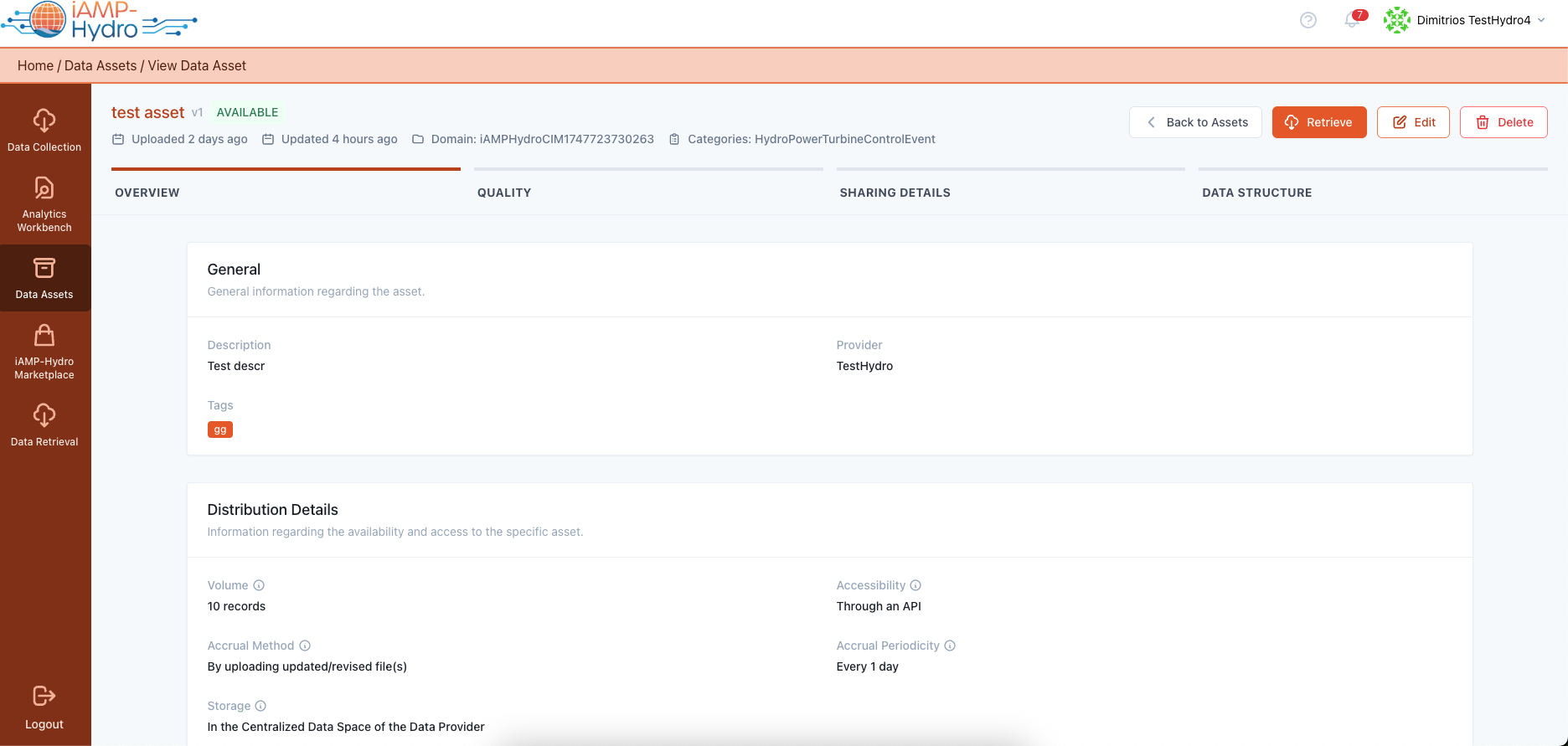
In addition, licensing terms and access policies are also defined as part of the metadata configuration, considering also the derivation information (original assets on which the specific derivative result is based) as illustrated below.

Hint
In scenarios where data assets from other organizations contribute to the creation of a result (e.g., by providing input datasets), explicit permission is required to include the result in the iAMP-Hydro Marketplace.