View All Assets
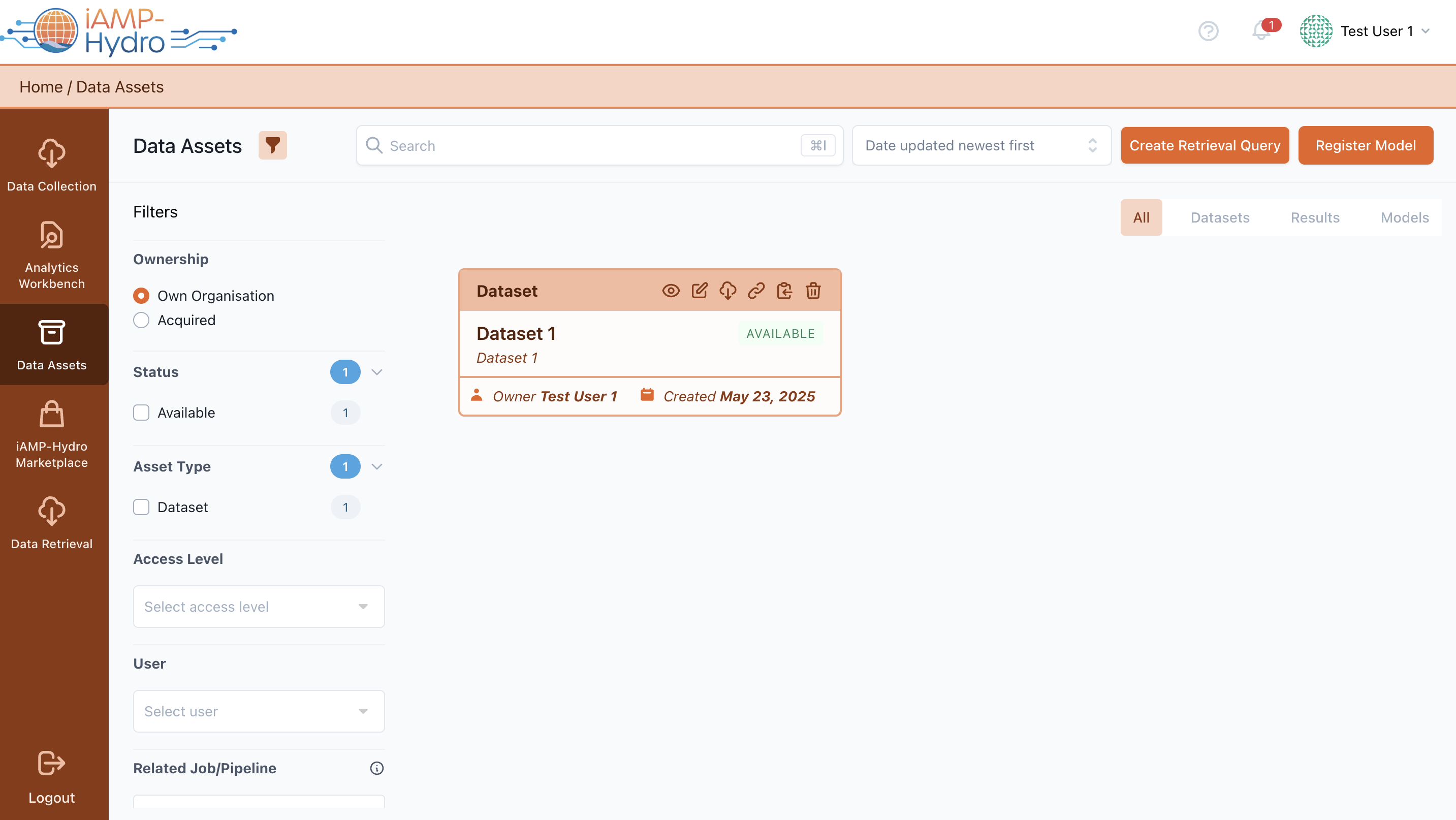
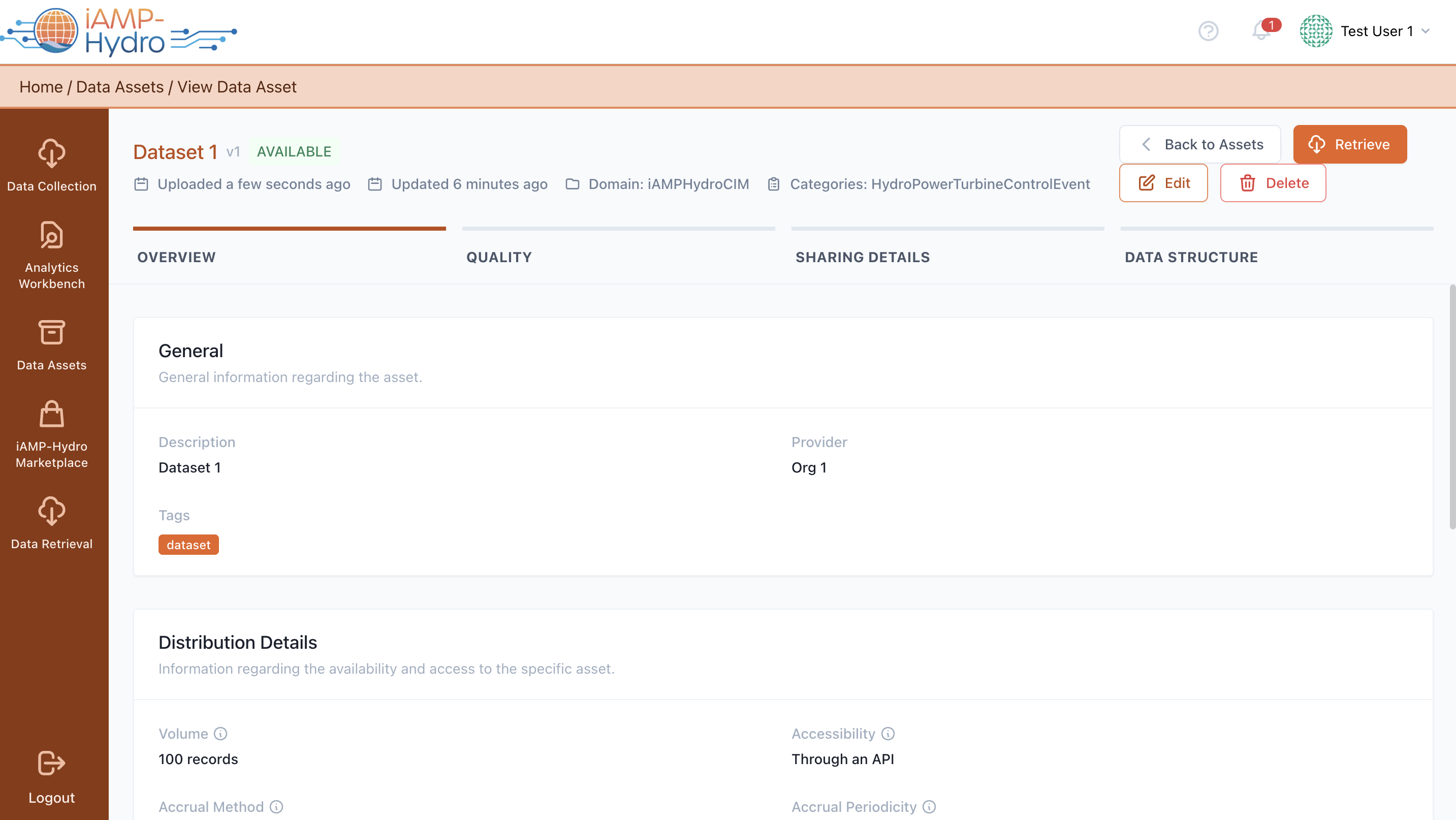
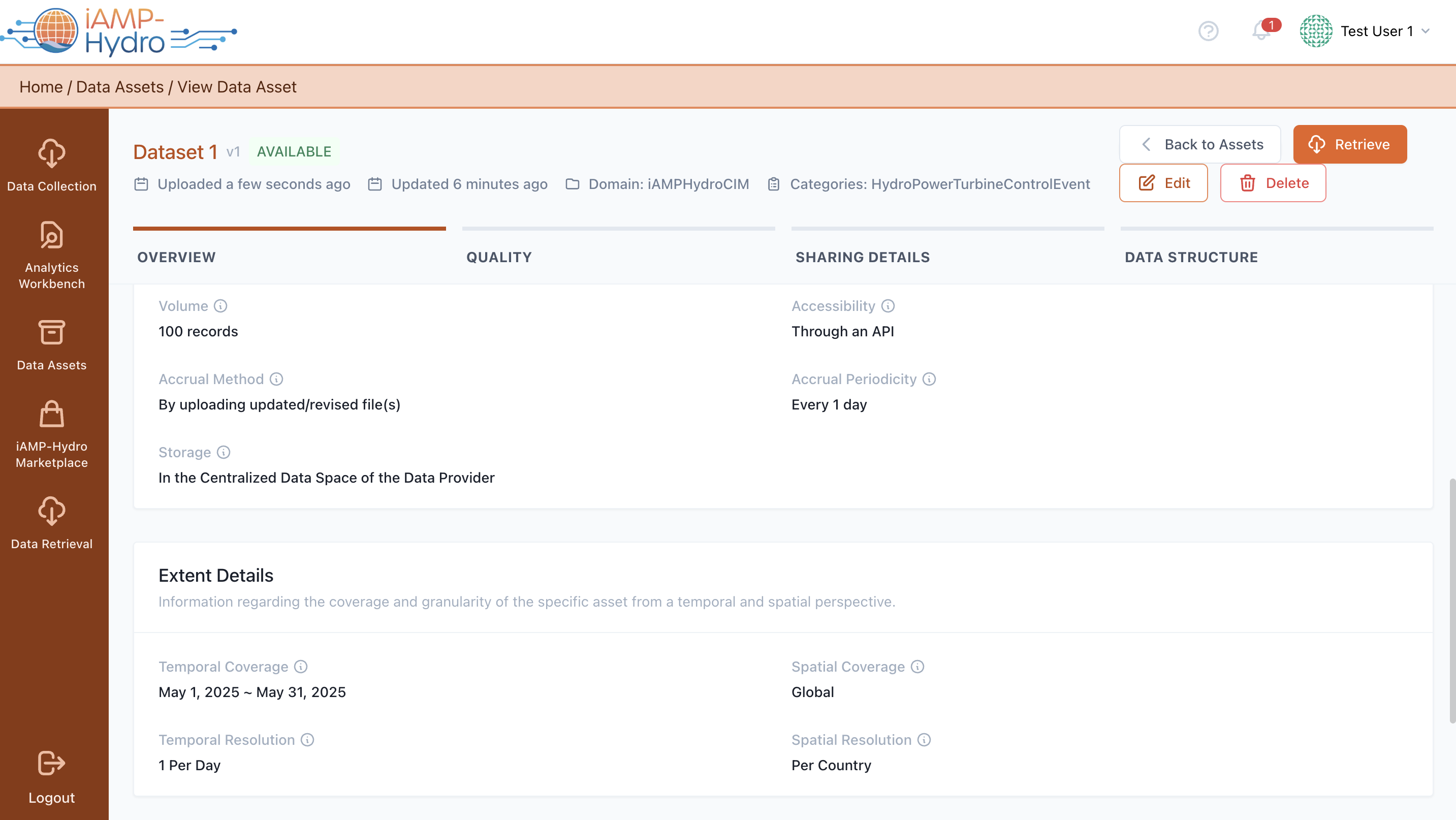
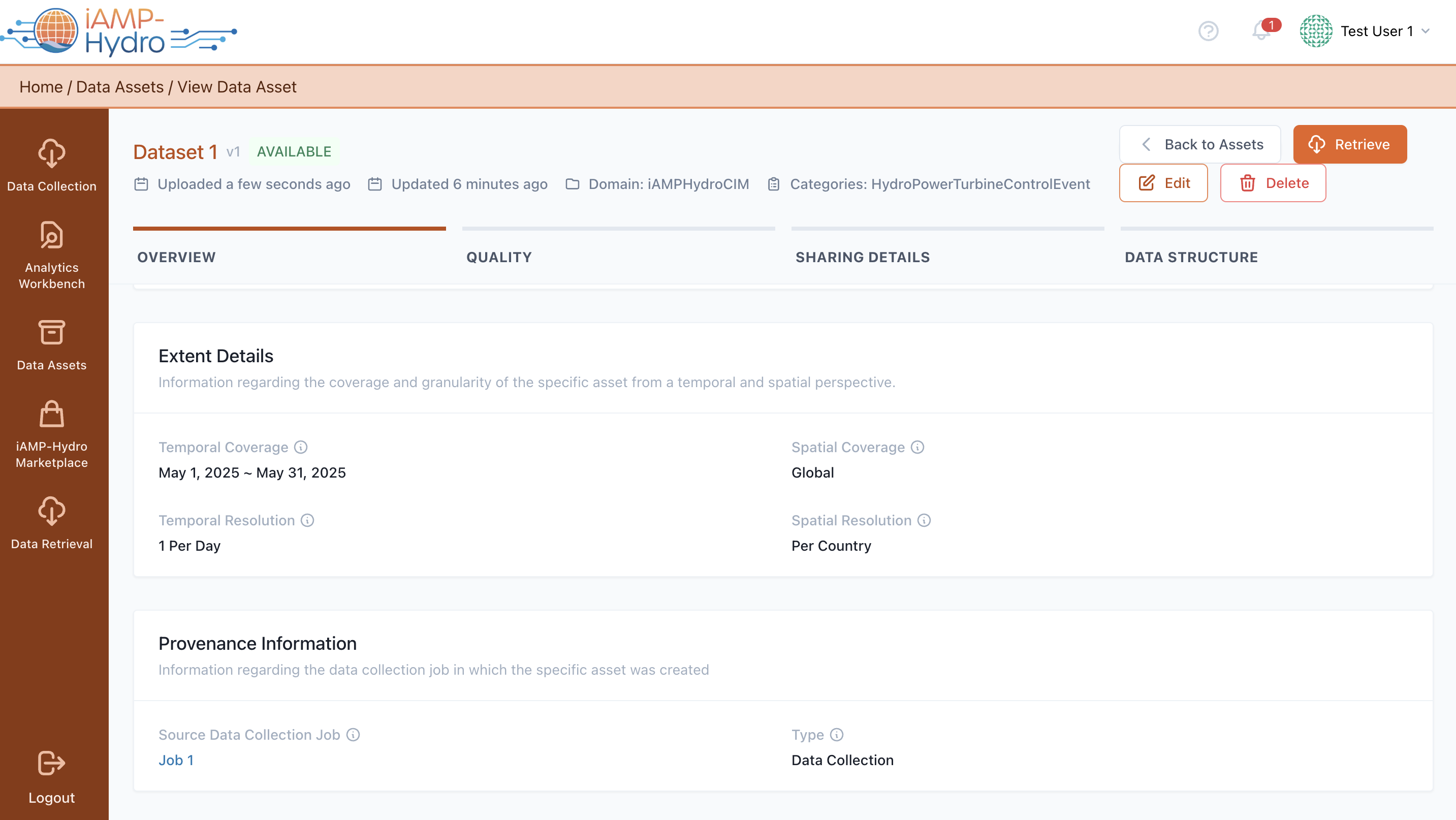
You can access a comprehensive list of the data asset profiles associated with your organization or those obtained by it, in the Data Assets View
For each asset listed, you can view details such as its status, a range of actions available for editing, removing the asset or set this asset up for retrieval, by creating a retrieval query and the number of records within the asset. Additionally, you have the option to search for specific assets or organise the data assets list using various sorting criteria (asset title, its execution status, the date it was created, or when it was last updated).