Edit an Asset Profile
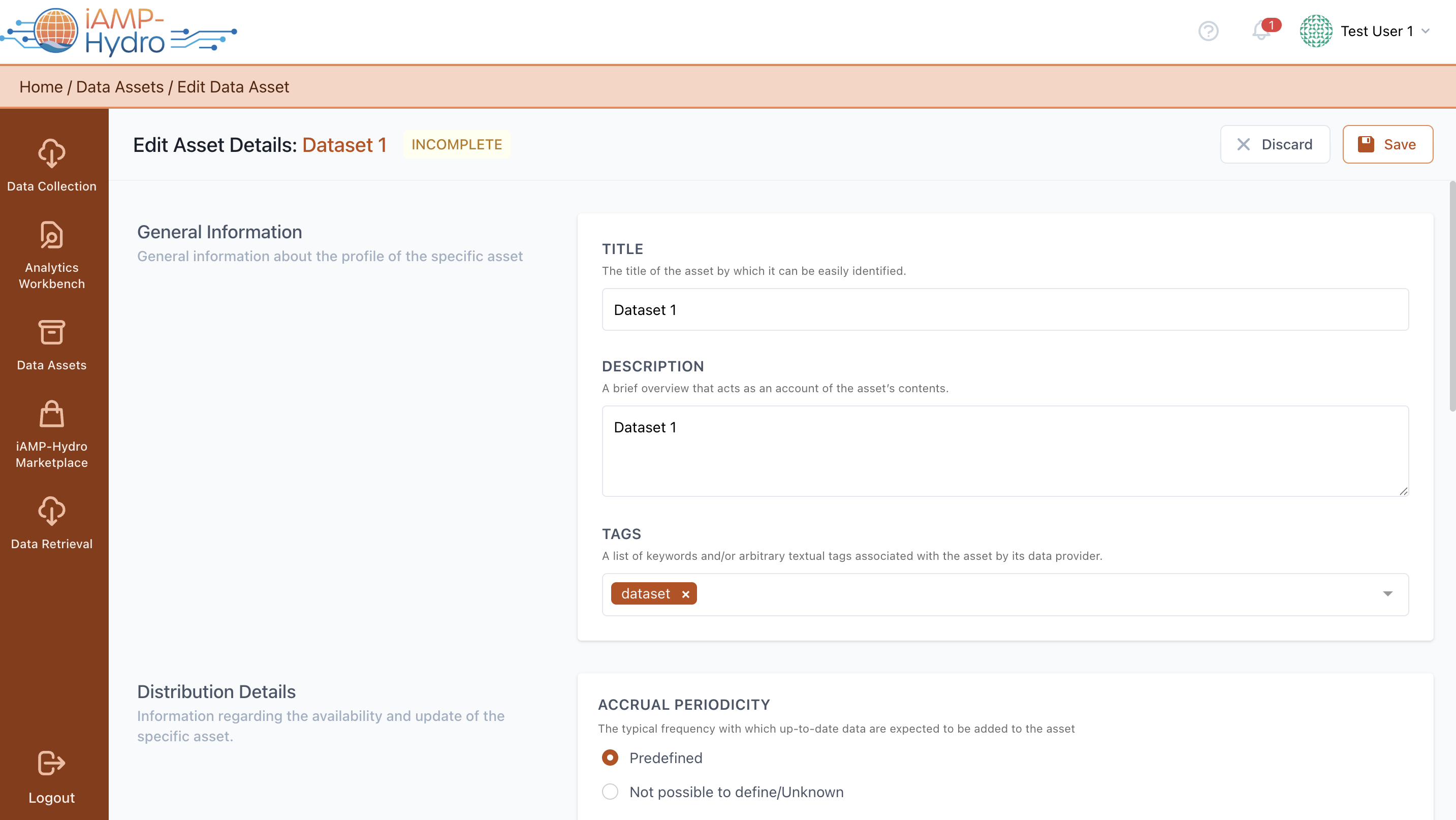
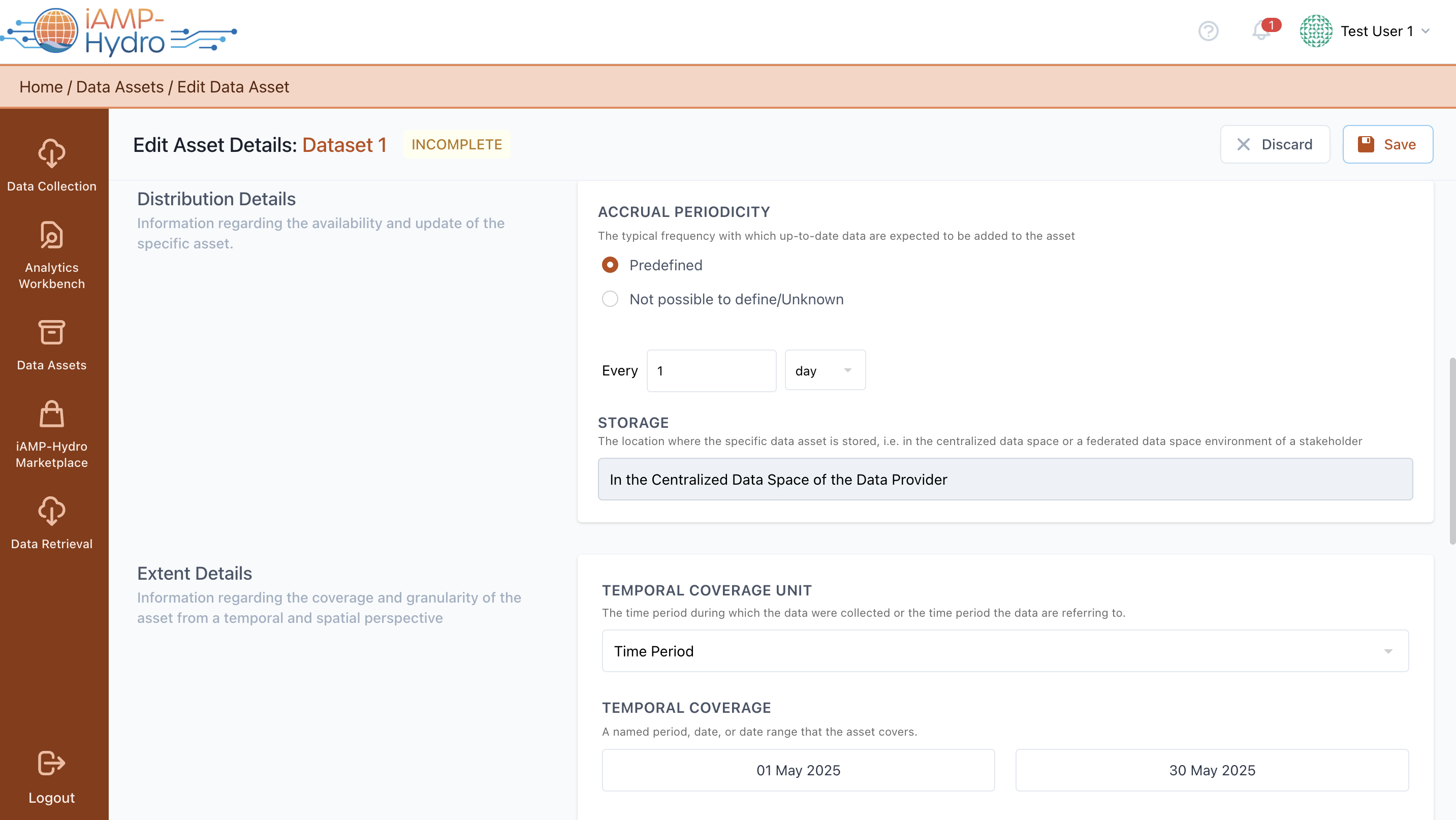
At any moment, you have the option to alter the metadata details (as initially defined in the Define New Asset Profile step) of your organization's Asset (Dataset, Result, or Model) by selecting the Edit option from the menu on the right side of each Asset Profile. This allows edits of General Information, Distribution Details, Extent Details, as shown in the following figure.
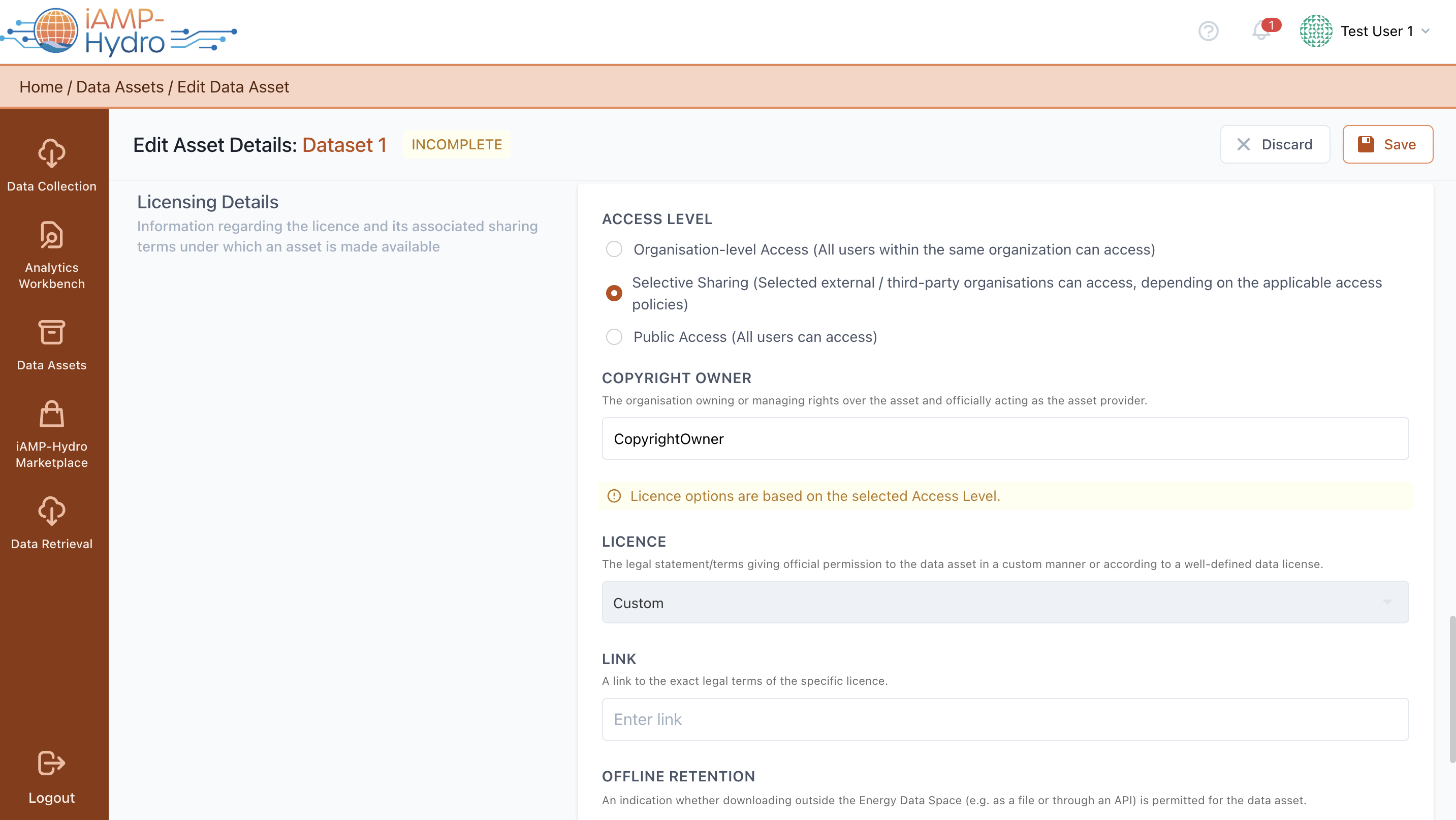
In the iAM Platform, the Licensing Details section provides comprehensive information about the license and sharing terms under which an asset is made available, including the access level that can range from organisation-level access, selective sharing to external parties based on specific policies, to public access where any user can reach the asset. The copyright owner, typically the organization owning or managing the asset, is identified, and various license options are tailored according to the chosen access level. These include custom legal terms or predefined data licenses, with a link to the detailed legal terms that needs to be provided. Details on anticipated usage for data analytics and options for offline retention, such as via a Custom API, are also outlined.
The Access Policy allows users to precisely define who can or cannot access the asset, ensuring clarity and control over the distribution and usage of data assets.
Hint
The default setting for the access policy is set to "Deny All," indicating that access to the asset is initially restricted to all users. Nevertheless, you have the option to configure exceptions to this rule based on criteria such as the "Organization's Country," "Continent," "Type," or "Business Name.". Each access rule option can be selected only once, but multiple values (that are evaluated with an OR operator) can be added.